Using unreal engine you can explore nodes and textures to make advanced material. this is beneficial because it makes a texture more realistic. There are multiple websites and add-ons that allow the user to develop these materials, the websites grab your source image and they transform it into a Specular Map, Ambient Occlusion, Displacement Map and a base image. Th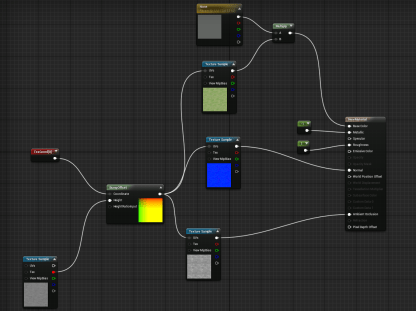 en using the node system in unreal engine you can make them look more real and layered to make it look like its actually there on the ground.
This is an example of a basic material, this took a few second to create.
It is a simple plan with only 3 nodes and a little bit of

lighting, this material is boring and looks like it was painted on to the floor. The reason for this is because it doesn’t have much layering which makes it looks mushed together.
This is a more advanced material, it has a lot of nodes involved. while creating it i took advantage of the materialize add on, this add on allows the user to create more advanced materials from a basic one, i also added extra coloring to make the darker green stand out and i removed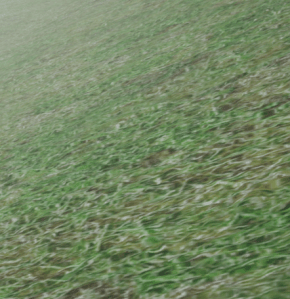 all instances of gloss because grass not supposed to be shiny.

 Unit 10